
Your on the go web tech team for small businesses
Your website should do more than look good.
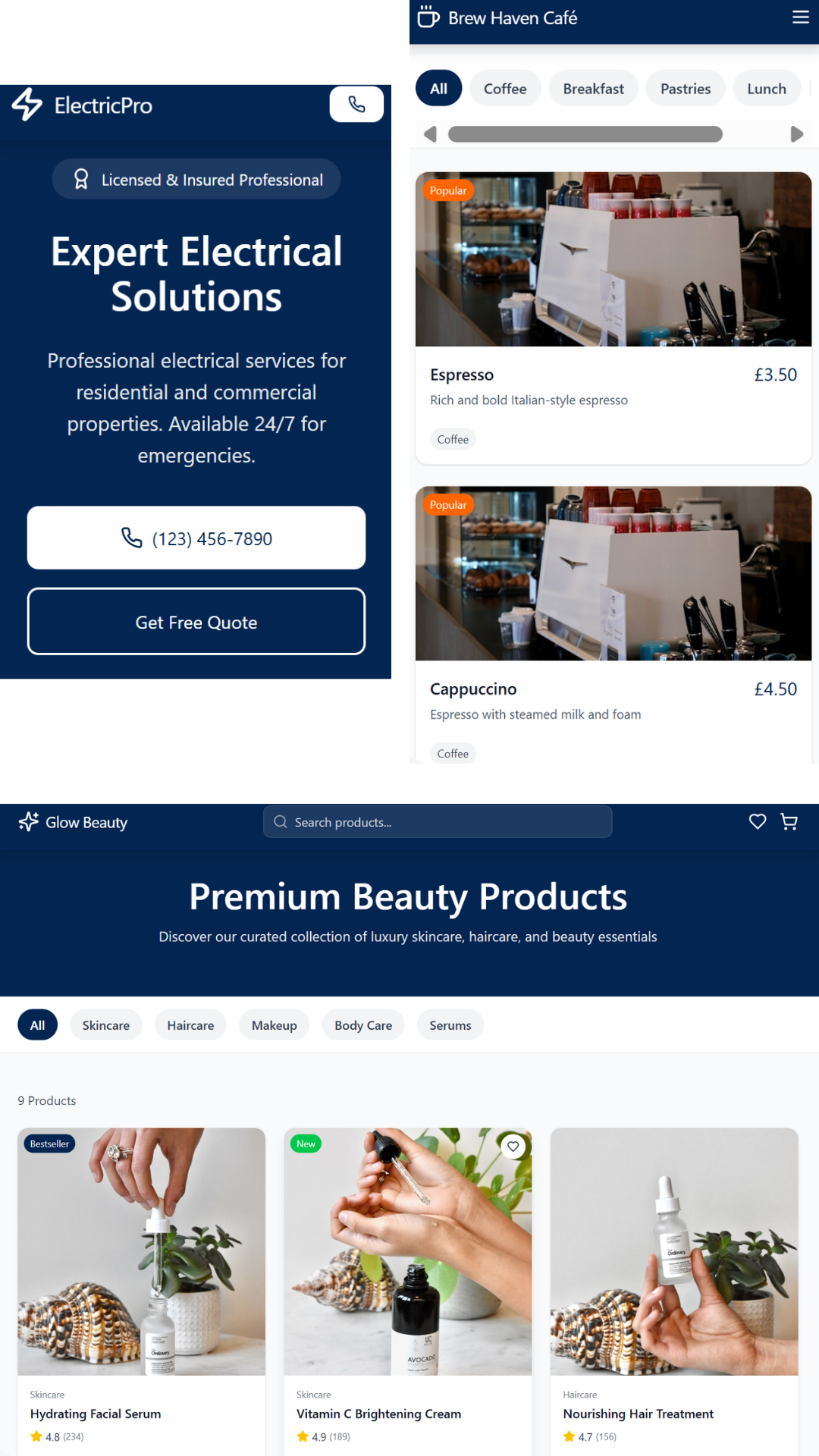
Prepare for Getting a Website
Getting a website? Here's a quick guide on what to expect, what to prepare, and how to make sure the process goes smoothly, without needing any technical knowledge.
Before You Start
1. Know Your Purpose
Before anything else, be clear on what your website is for. This shapes every decision from how it looks to what pages it needs.
Common website types:
Personal Portfolio — shows off your skills, projects, and contact details
Business Website — highlights your services, prices, and how to get in touch
Blog or News Site — organises articles and updates for regular readers
E-commerce Store — lets customers browse products and buy online
2. Know Your Audience
Your audience is the group of people most likely to visit your site. Understanding them helps your developer design something that actually works for them.
Ask yourself:
Who will visit? (Think about their age, job, and interests)
What problem are they trying to solve?
What do you want them to do? (Book a call, buy something, read an article?)
💡 Tip: Write down 2–3 sentences describing your ideal visitor. Share this with your developer — it's more useful than you think.
3. Colours and Branding
Your website should feel consistent with your brand. If you already have a logo or brand colours, share them with your developer. If not, here's how to get started:
Choose a colour scheme using a free tool like Coolors.co (it generates palettes that work well together)
Create a simple logo using Canva or Looka — both have free options and don't require design skills
💡 Tip: Stick to 2–3 colours and 1–2 fonts throughout your site. More than that starts to look cluttered.
What to Expect
The Typical Process
Every developer works slightly differently, but here's a general idea of how the process usually goes:
Discovery call — you discuss your goals, audience, and ideas
Sitemap and wireframes — the structure is mapped out and agreed
Design mockups — you'll see visual previews before any code is written
Development — the site is built based on the approved designs
Review and revisions — you give feedback, changes are made
Launch — the site goes live
Signs Your Developer Is Doing a Good Job
You don't need to understand code to know if things are on track. Watch out for these green flags:
They ask questions about your audience and goals — not just your colour preferences
Navigation is intuitive — visitors can find what they need in 2–3 clicks
The site looks good on mobile — over half of all web traffic is on phones
Pages load quickly — if it feels slow to you, it'll feel slow to your visitors
They explain things clearly — you should never feel lost or confused
💡 Tip: Ask for a staging link — this is a private, password-protected version of your site where you can review everything before it goes live.
Quick Checklist
Before handing over to your developer, make sure you have:
A clear idea of your website's purpose and target audience
Brand colours and a logo (or the tools to create them)
A rough list of the pages you need
An idea of what content (text and images) you can provide
Any websites you like the look of — for inspiration
You're now ready to speak to someone about building your website!